How to Choose an Aosu Doorbell & Solar Wireless Camera

These instructions will help you pick the right Aosu Doorbell and Solar Wireless Camera.
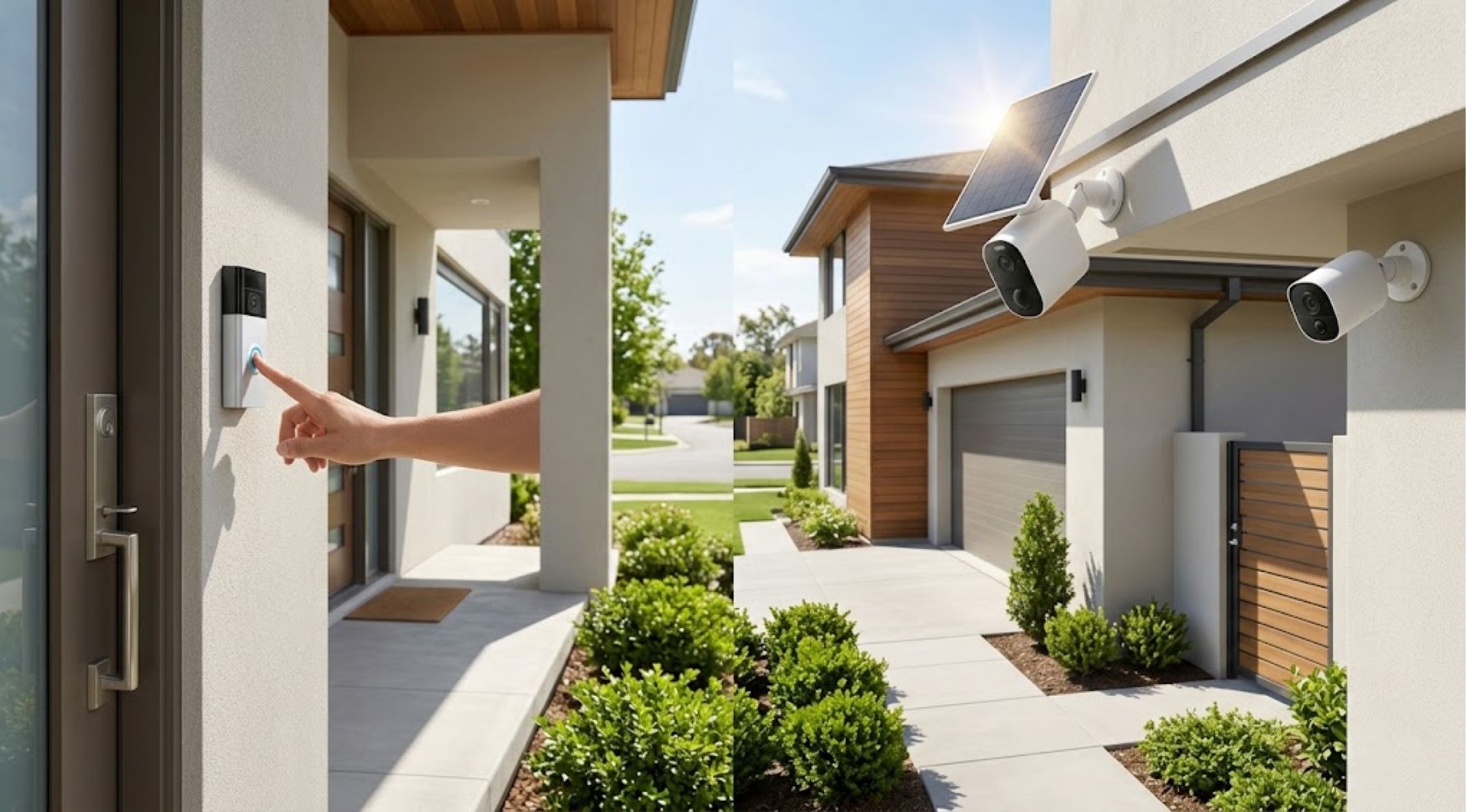
These instructions will help you pick the right Aosu Doorbell and Solar Wireless Camera.
Smart cameras and doorbells that connect to home security systems have made it easier to manage home security. Homeowners can install cameras to keep an eye on the front door, outside areas, and other key points of their homes, rather than depending on traditional locks or simple security systems for protection.
If you're researching an Aosu doorbell, comparing an Aosu 2K security camera, or looking for a solar wireless camera, it's important to understand the key features of the security camera that you are considering for your home.
1. Steps on How to Select an Aosu Doorbell
For people who want a convenient way to keep an eye on their front door and who want to know who comes in and out, there is a solution that can fit the bill: An Aosu doorbell. When assessing doorbell cameras, take into account the features that will be important to your property.
Important Factors Include:
- Video resolution
- Field of view
- Night vision
- Motion detection
- Two-way communication
- Storage options
- Wireless connectivity
- Battery life
Find out if the doorbell can be used with your current Wi-Fi network and smart phones before buying.
Motion detection and notification are useful for the front entrance if there is a lot of foot traffic there to prevent unnecessary notifications.
How Does a Video Doorbell Work?
A smart doorbell usually includes a camera, a motion sensor, a speaker, a microphone and wireless technology all in one package.
When a person is approaching the door, the camera can sense the movement and depending on the model and settings, will alert a connection device.
Thereafter, you can watch the available video and talk with the other party via two-way audio, if the doorbell has this functionality.
Their functions vary depending on the model, so be sure to always check the manufacturer's specifications before buying them.
2. How to Choose an Aosu 2K Security Camera
If you need a detailed video for monitoring activities inside or outside, you can consider an Aosu 2K security camera.
The resolution of the video can help to make it easier to see what is happening within the camera's field of view, but lighting, lens quality, placement, etc. play a role.
Key Features to Consider:
- Resolution
- Viewing angle
- Night vision
- Motion detection
- Storage
- Weather resistance
- Power source
- App functionality
When choosing a camera consider where it is going to be placed. The camera should be protected from environmental conditions that it is designed for outdoor use.
Getting the Best Camera Angle
Knowing how to get the best angle for a security camera is crucial.
The location of your security cameras can greatly impact their effectiveness.
If you're taking an entrance, make sure the camera is set up to avoid any type of obstructions when approaching the door. If you are planning to use the driveway or yard for cars or people, think about those who are likely to be in the area.
Try not to have cameras facing bright lights as too much glare can create poor picture quality.
Secure cameras to the outside securely and install according to the manufacturer's instructions.
3. Selecting and Installing a Solar Wireless Camera
In a place where it is not convenient to run power cables, a solar wireless camera can be of help.
Solar camera systems are usually powered by a solar panel that recharges an on-board battery. This can help to minimize the need to manually charge frequently, depending on the amount of sunlight, weather conditions, panel positioning, energy usage, etc.
Factors to Consider:
- Solar panel location
- Sunlight availability
- Battery capacity
- Camera resolution
- Wireless range
- Weather resistance
- Night vision
For limited sunlight locations, verify manufacturer's recommendations for performance.
How to Install a Solar Wireless Camera
First choose a space with good wireless signals and plenty of sunlight.
Install the camera to maximize the amount of useful sunlight on the solar panel, but at the same time, the viewing angle should be kept on the area to be monitored.
Install the camera as per the manufacturer's instructions and confirm that the live view is working correctly before you finish the installation.
Regularly inspect the camera to make sure that the solar panel is clean and not blocked.
Tips on Extending Battery Life
Even solar-powered cameras are battery-powered, so proper settings can help maximize battery life.
If the camera is constantly firing, there is no need to increase the sensitivity to motion. Adjust detection areas (where applicable) and set up recording parameters according to your needs.
If available, use the camera's app to check battery levels regularly.
Be sure there is no other object, including nearby branches, walls or outdoor decoration, blocking the solar panel for a solar camera.
4. Network Setup, System Layout & Maintenance
Connecting a Smart Camera to Wi-Fi
Connecting a Smart Camera to Wi-Fi is a simple process.
Check the Wi-Fi signal at the location where you will install the camera before installation.
Follow the camera's setup instructions to connect it to your network. If the signal is weak, you can try to relocate the camera or enhance the Wi-Fi signal in your house.
A robust and secure bond will assist ensure more steady access to live video content and notifications.
Designing a Home Security System
Rather than just one camera, you might think about what areas will need to be monitored the most.
|
Area / Location |
Recommended Camera Type |
Primary Purpose |
|
Front Entrance |
Aosu Doorbell Camera |
Monitoring entryways, visitor interaction, package delivery |
|
Driveway / Garage |
Aosu 2K Security Camera |
High-detail vehicle and approach monitoring |
|
Backyard / Side Entrance |
Solar Wireless Camera |
Off-grid security where power cables are impractical |
An Aosu doorbell can be aimed at the front door and another Aosu 2K security camera can be installed at another key location. A solar wireless camera could be particularly useful for areas where it is not easy to run power cables.
A combination that will work best will depend on the size and layout of your property.
How to Maintain Security Cameras
Cameras can continue to function normally with regular maintenance.
Thoroughly clean camera lenses to remove dust or dirt. Regularly inspect mounting hardware, particularly for outdoor installations.
If there's a solar model, check if the solar panel is dirty or obstructed. Also test your camera's battery, connectivity and software as per manufacturer's guidelines.
Final Thoughts
There are several factors to consider when it comes to home security equipment, including the size of your property, its power supply, connectivity, and the type of monitoring services you need.
If you're looking to monitor at the entry door, you can choose an Aosu doorbell; if you need detailed video in another location, you might consider an Aosu 2K security camera. When installing a conventional power wire is not possible, the wireless camera powered by solar energy can provide increased installation flexibility.
Resolution and night vision, motion detection, storage, weather resistance, battery life and placement are important factors to consider before purchasing. A good camera system can be installed in the right location and with proper upkeep to make it easier to keep an eye on your property.