How to Fix a Blurred Barcode or QR Code and Make Labels Scannable

It can be frustrating, especially when a single unreadable code can slow down inventory checks, product identification, payments, or everyday organization.
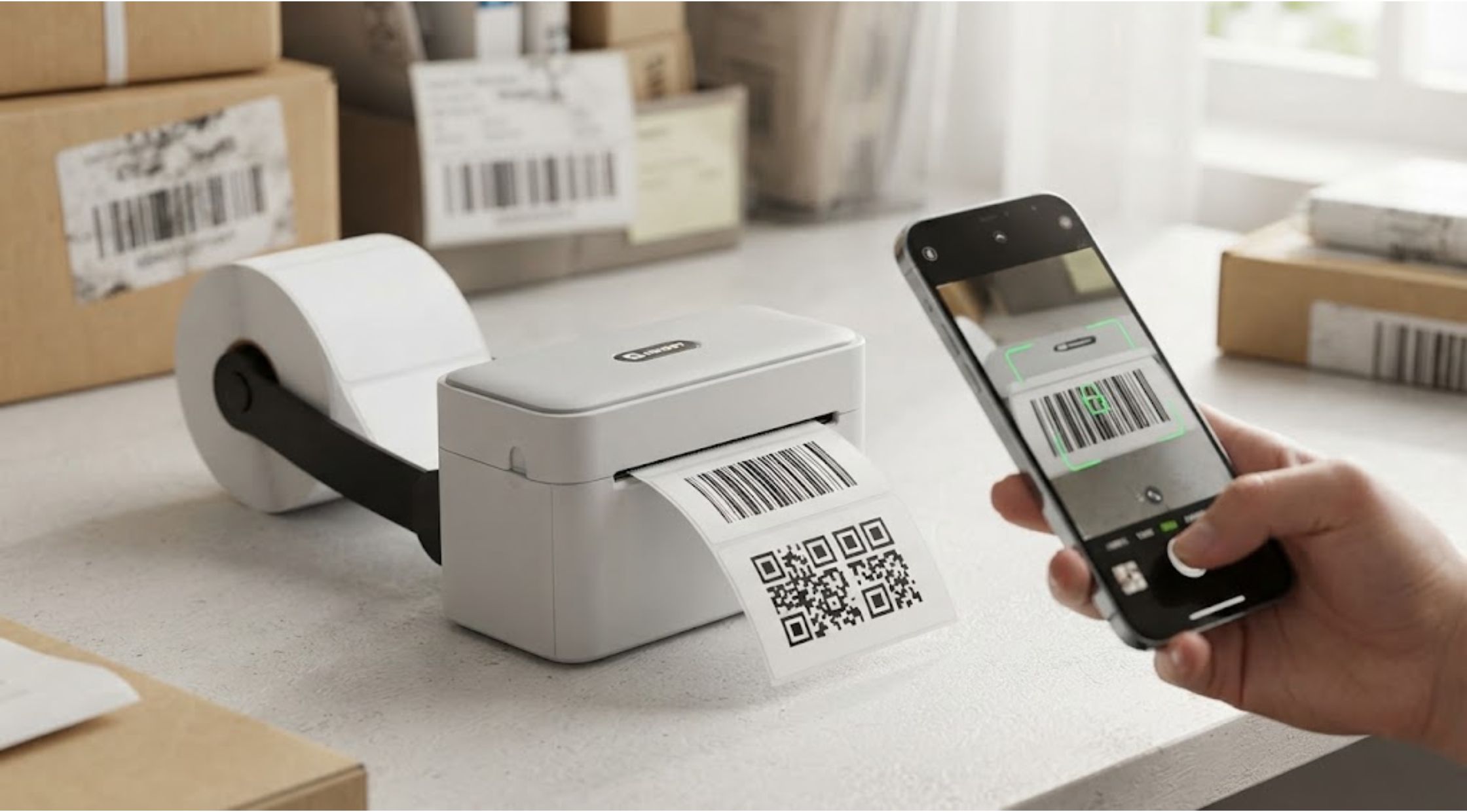
Have you ever printed a label only to discover that the barcode looks fuzzy or a QR code blurred when viewed on a phone? It can be frustrating, especially when a single unreadable code can slow down inventory checks, product identification, payments, or everyday organization.
A barcode or QR code needs enough visual clarity for scanners and smartphone cameras to distinguish its patterns accurately. When printing quality is poor, images are resized incorrectly, or labels are exposed to wear, even a perfectly generated code can become difficult to scan.
The good news is that most problems can be prevented with the right printing process, materials, and equipment.
Why Does a Barcode Become Blurred?
A blurred barcode is usually caused by a combination of image quality, printing settings, and physical wear.
Common causes include:
- Low-resolution barcode images
- Incorrect printer settings
- Excessive ink or thermal density
- Printing on unsuitable materials
- Stretching or shrinking the barcode
- Poor contrast between the code and label
- Scratches, smudges, or fading
- Printing codes too small
Barcodes rely on clear lines and spaces. When those elements bleed together, scanners may struggle to distinguish one from another.
This is especially important for businesses printing hundreds or thousands of labels. A small quality issue repeated across an entire batch can create unnecessary scanning problems.
What Causes a QR Code to Look Blurred?
QR codes work differently from traditional linear barcodes, but they face many of the same problems.
A qr code blurred by poor printing or image manipulation may become difficult for a smartphone camera to recognize.
One common mistake is resizing a QR code without maintaining its original proportions. Compressing or stretching the image can distort the small squares that make up the code.
Other problems include:
Poor Contrast
A QR code needs a clear distinction between the dark modules and the lighter background. Low contrast can make scanning difficult.
Insufficient Resolution
If the original QR image is low quality, increasing its size will not necessarily make it sharper.
Lack of Clear Space
QR codes generally need sufficient blank space around their edges. Crowding the code with text, graphics, or borders can interfere with scanning.
Surface Damage
A label may look acceptable when first printed but become scratched, dirty, or faded during everyday use.
Practical Ways to Prevent Blurred Codes
Fortunately, improving barcode and QR code quality does not have to be complicated.
Start With a High-Quality Source
Always generate codes at an appropriate resolution for their intended size. Avoid repeatedly copying and saving barcode or QR-code images in formats that reduce quality.
Vector-based formats can be particularly useful when codes need to be reproduced at different sizes.
Avoid Excessive Resizing
Do not stretch a barcode or QR code simply to make it fit a label. Instead, create the code at the correct dimensions from the beginning.
If you need a larger code, regenerate it at the appropriate size rather than enlarging a low-resolution image.
Use Strong Contrast
Black codes on a light background remain one of the easiest combinations for scanners to recognize.
Decorative designs may look attractive, but readability should come first—especially when the code is being used for inventory, shipping, or product identification.
Choose the Right Label Material
The surface you print on can affect the final result. Glossy, textured, or unsuitable materials may produce reflections or inconsistent printing.
For labels that need to remain readable over time, choose materials appropriate for your printer and environment.
Test Before Printing in Bulk
Print a sample label and scan it using the equipment that will actually be used in your workflow.
Testing can reveal problems before you produce an entire batch of labels.
When Better Label-Printing Equipment Makes Sense
For occasional home use, a standard printer may be enough. However, businesses that regularly produce product labels, shipping labels, inventory tags, or organizational stickers may benefit from dedicated label-printing equipment.
A purpose-built label printer can provide more consistent results and make repeated printing considerably easier.
This is where NIIMBOT can be worth considering. Dedicated label-printing solutions can help users create professional-looking labels without relying on complicated printing setups.
Instead of treating barcode printing as an afterthought, a suitable label printer can make clarity and consistency part of the normal workflow.
Benefits of Upgrading Your Label-Printing Setup
Investing in better equipment can provide benefits beyond simply making a barcode look sharper.
More Reliable Scanning
A clearer barcode is easier for scanners and cameras to interpret, helping reduce failed scanning attempts.
Faster Workflows
When labels scan correctly the first time, employees spend less time manually entering information or retrying scans.
Professional Presentation
Clear, properly aligned labels can make products, packages, and inventory look more organized and professional.
Consistent Results
Dedicated label printers are designed for repeated label production, which can be particularly useful for small businesses and growing operations.
Easier Label Creation
Modern label-printing systems can simplify the process of creating different labels for products, storage areas, packages, and other applications.
For businesses that frequently need clean, readable labels, NIIMBOT offers practical options worth exploring when choosing a more streamlined setup.
How to Check Whether Your Barcode Is Good Enough
Before using a label, perform a simple quality check.
Ask:
- Is the barcode sharp?
- Are the lines clearly separated?
- Is there sufficient blank space around the code?
- Is the contrast strong?
- Is the label free from smudges?
- Can the code be scanned from a normal working distance?
- Does it remain readable under the lighting conditions where it will be used?
For QR codes, test them with more than one smartphone when possible. A code that works only when the phone is positioned perfectly may need improvement.
If you are seeing a qr code blurred after printing, check the original file, sizing, printer settings, and label surface before assuming the code itself is defective.
When to Replace a Poor-Quality Label
Sometimes cleaning or adjusting a scanner is not the solution. If the printed code itself is damaged or distorted, replacing the label may be faster and more reliable.
This is particularly important for inventory and shipping applications. A few seconds spent replacing a bad label can prevent much larger problems later.
For businesses producing large quantities of labels, it may also be worthwhile to review the complete printing workflow. Better templates, suitable materials, consistent settings, and reliable equipment can prevent recurring issues.
Conclusion: Make Every Code Easy to Scan
A blurred barcode can create unnecessary delays, while a poorly printed QR code can make an otherwise useful label frustrating to use. The solution usually comes down to a combination of good source files, appropriate sizing, strong contrast, suitable materials, and reliable printing equipment.
Before producing labels in bulk, always test the final printed result rather than relying only on how the code looks on a computer screen.
If you regularly print labels for products, packages, inventory, or organization, upgrading your setup may make the entire process easier and more consistent. Solutions from NIIMBOT can be a useful option for those looking to simplify everyday label printing.
The goal is simple: create labels that look clean, remain readable, and scan correctly when you need them to.