How to Choose Ergonomic Chairs for a More Comfortable Workday

Spending hours at a desk can make small comfort problems surprisingly noticeable.
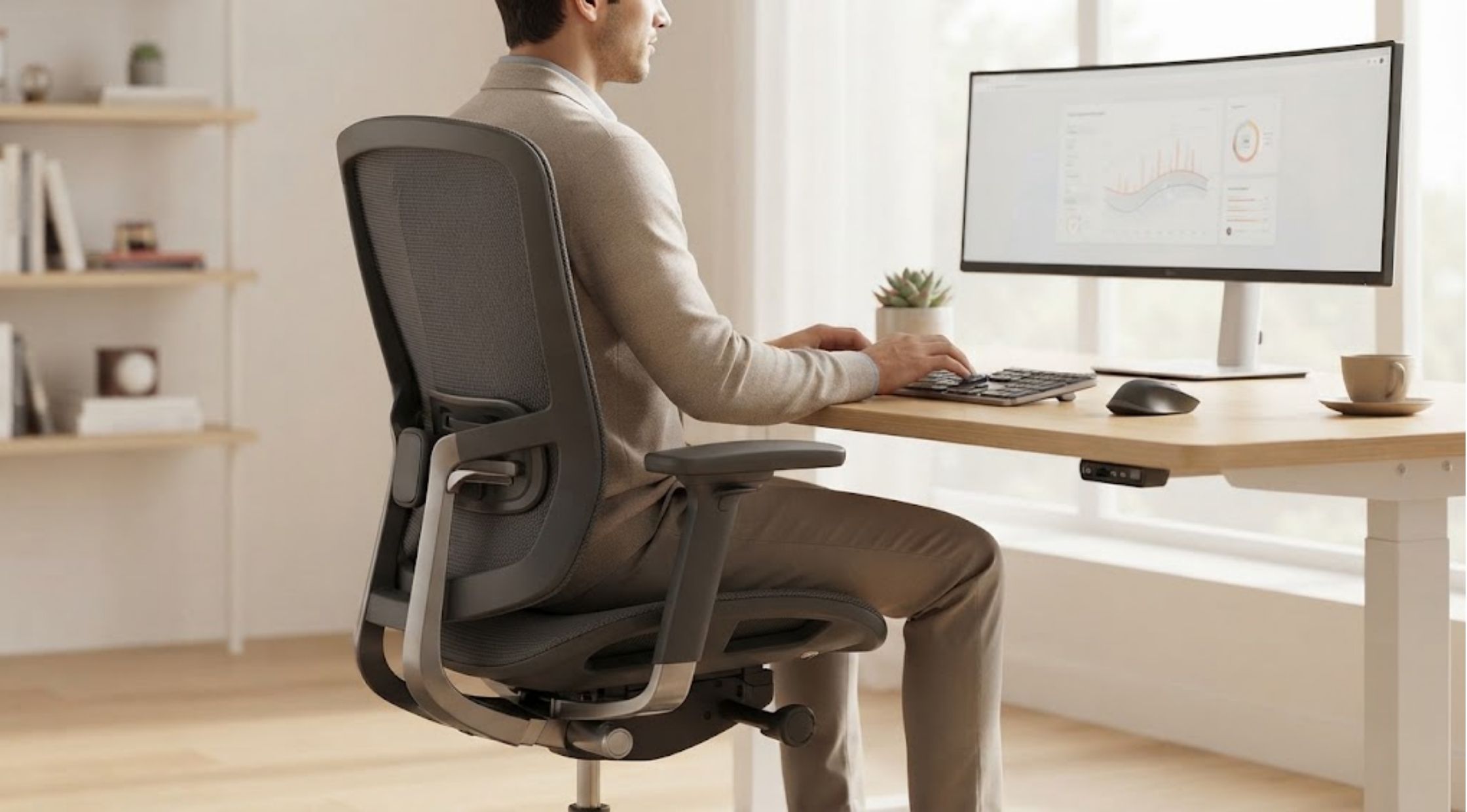
Do you finish a long workday feeling like your chair has worked against you rather than with you?
Spending hours at a desk can make small comfort problems surprisingly noticeable. A seat that feels fine for 20 minutes may become uncomfortable after several hours. Poor positioning, limited adjustability, and inadequate support can make it harder to maintain a comfortable working posture throughout the day.
The solution isn't simply to find a softer chair. The right office chair should work with your body, desk, and daily routine.
That is where ergonomic chairs can make a meaningful difference. By focusing on adjustability, support, movement, and fit, you can create a workspace that feels considerably more comfortable and functional.
Why Your Office Chair May Be Causing Problems
Many people choose office chairs based on appearance or price. While those factors matter, they don't tell you whether a chair will actually suit you.
A chair that is too high can leave your feet unsupported. One that is too low can affect your relationship with the desk. If the seat is too deep, you may struggle to sit comfortably against the backrest. Limited armrest adjustment can also make it difficult to find a natural position.
These problems can become more noticeable when you're working for several hours at a time.
Common Comfort Problems
Some of the most common complaints include:
- Lower-back discomfort after prolonged sitting
- Shoulder or neck tension
- Legs feeling uncomfortable because of poor seat height
- Arms lacking adequate support
- Constantly shifting position to get comfortable
- Feeling restricted when trying to move or recline
These issues don't necessarily mean that your chair is the only cause. Desk height, monitor position, keyboard placement, and how often you move can all influence your overall workstation comfort.
What Makes a Chair Ergonomic?
The term "ergonomic" can mean different things depending on the product, so it's important to look beyond the label.
Good ergonomic chairs typically offer several adjustable features that allow you to adapt the chair to your body and working style.
Adjustable Seat Height
Your feet should be able to rest comfortably while your knees remain in a natural position. Adjustable seat height makes it easier to establish an appropriate relationship between your body and desk.
Seat Depth
Seat depth is often overlooked. A seat that is too deep may make it difficult to use the backrest comfortably, while a shallow seat may not provide enough support.
An adjustable seat depth can make a significant difference, particularly when several people of different heights use the same workspace.
Lumbar Support
Lower-back support is another feature worth examining. Rather than assuming that more padding automatically means better support, look for a backrest and lumbar system that can be adjusted to suit your preferred position.
Adjustable Armrests
Armrests can help support your arms and reduce the need to hold your shoulders in an awkward position. Look for options that allow you to adjust their height and, where available, other dimensions.
Recline and Tilt
You don't have to remain completely upright all day. A chair with controlled recline and tilt functions can allow you to change positions while working or taking short breaks.
Don't Ignore Your Desk Setup
Even the Best ergonomic office chair won't solve every workstation problem if your desk setup is poorly adjusted.
Take a few minutes to look at your entire workspace.
Your monitor should be positioned so you aren't constantly looking downward. Your keyboard and mouse should be within comfortable reach, and your desk should provide enough room for your legs.
Think of your chair as one part of the workstation rather than an isolated product.
Remember to Move
A comfortable chair isn't a reason to remain stationary for hours.
Stand up periodically, walk around, stretch, or simply change your sitting position. Short movement breaks can help prevent the stiffness associated with staying in one position for too long.
This is especially important for people who spend most of their working day at a computer.
How to Compare Ergonomic Chairs Before Buying
When shopping for a new chair, avoid focusing on one specification.
Instead, create a checklist based on your actual needs.
Ask:
- Can the seat height be adjusted?
- Can the seat depth accommodate my leg length?
- Is the lumbar support adjustable?
- Can the armrests be positioned comfortably?
- Does the backrest support different working positions?
- Can the chair recline?
- Is the seat comfortable after extended use?
- Does the chair fit underneath my desk?
- Is the chair suitable for my height and body size?
- What warranty or support does the manufacturer provide?
These questions can quickly separate genuinely useful features from marketing language.
When Upgrading to a Premium Chair Makes Sense
If you're spending several hours at your desk every day, investing in a more adjustable chair may be worth considering.
Premium ergonomic chairs tend to focus on customization rather than simply adding extra padding or decorative features. The goal is to give you more control over how the chair fits your body and how you work.
Hinomi is one brand worth exploring if you're looking for an ergonomic-focused workspace solution. Its chair range includes models with adjustable components designed to help users personalize their seating position.
Rather than choosing a chair solely because it looks impressive, consider whether its adjustment options actually address the problems you're experiencing.
Hinomi also offers different chair configurations, which can make it easier to compare features according to your workspace and working habits.
The Benefits of Upgrading Your Chair
Better Everyday Comfort
A properly adjusted chair can make long periods at your desk feel more manageable and reduce the need to constantly reposition yourself.
More Personalized Support
Adjustability allows you to adapt the chair instead of forcing your body to adapt to a fixed design.
A More Functional Workspace
When your chair, desk, monitor, and keyboard work together, your entire workstation can feel more natural to use.
Greater Flexibility
Recline, seat-depth, armrest, and lumbar adjustments allow you to change positions throughout the day.
Long-Term Practical Value
A well-built chair with useful adjustment features can be a more sensible investment than repeatedly replacing inexpensive chairs that don't meet your needs.
Is It Time to Rethink Your Office Chair?
If you regularly find yourself shifting around, stretching your back, adjusting your position, or standing up simply because your chair becomes uncomfortable, it may be time to examine your setup.
The Best ergonomic office chair isn't necessarily the most expensive model or the one with the longest feature list. It is the one that provides the adjustments and support you actually need.
Start by identifying your biggest comfort problems. Then measure your desk, consider your height and working habits, and compare important features such as seat adjustment, lumbar support, armrests, and recline.
For people who want a more adjustable workstation, Hinomi provides another option to investigate when comparing ergonomic seating solutions.
Ultimately, choosing the right chair is about creating a workspace that supports the way you work. Take the time to compare your options carefully, adjust your entire workstation, and prioritize genuine comfort and functionality over appearances alone.
Recent Blogs
-

How to Choose Gym Clothes That Actually Make Your Workouts More Comfortable
-

How to Choose the Right Mattress and Pillows for Better Sleep
-

Essential Guide to Choosing the Right Mattress Topper for Your Sleep Style
-

How to Choose the Right Streetwear, Pants, and Backpacks
-

How to Choose Essential Oils and Care for Your Diffuser